Muscle · Arms
Bigger arms - in any photo.
Pump up biceps and triceps without going to the gym (yet). The AI arm generator preserves your skin and shadows so the result looks like the same photo, just with more muscle.
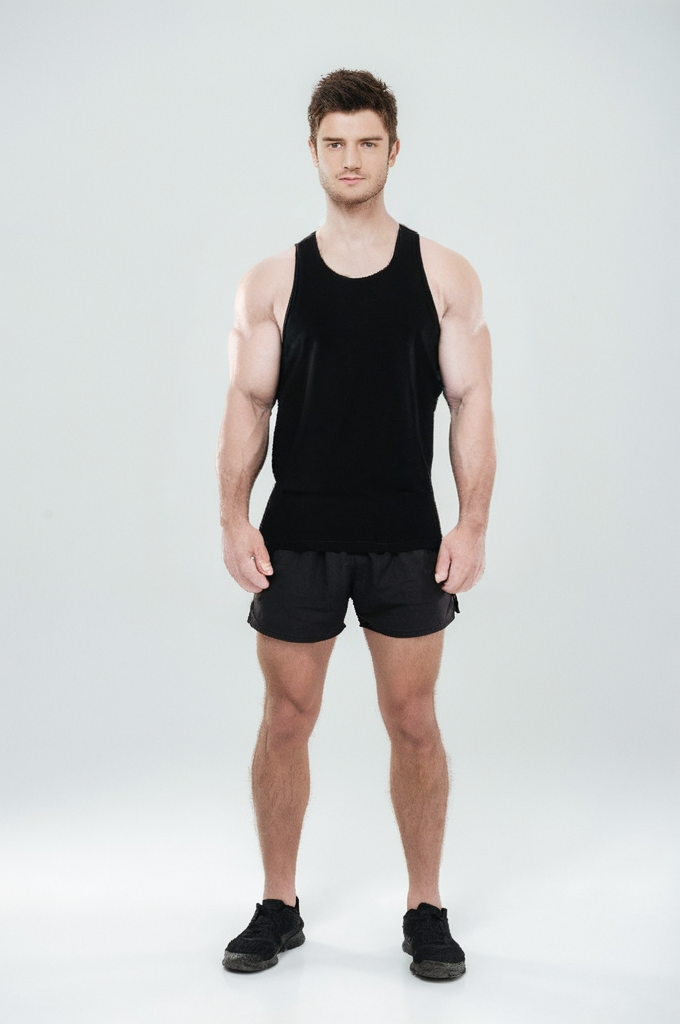
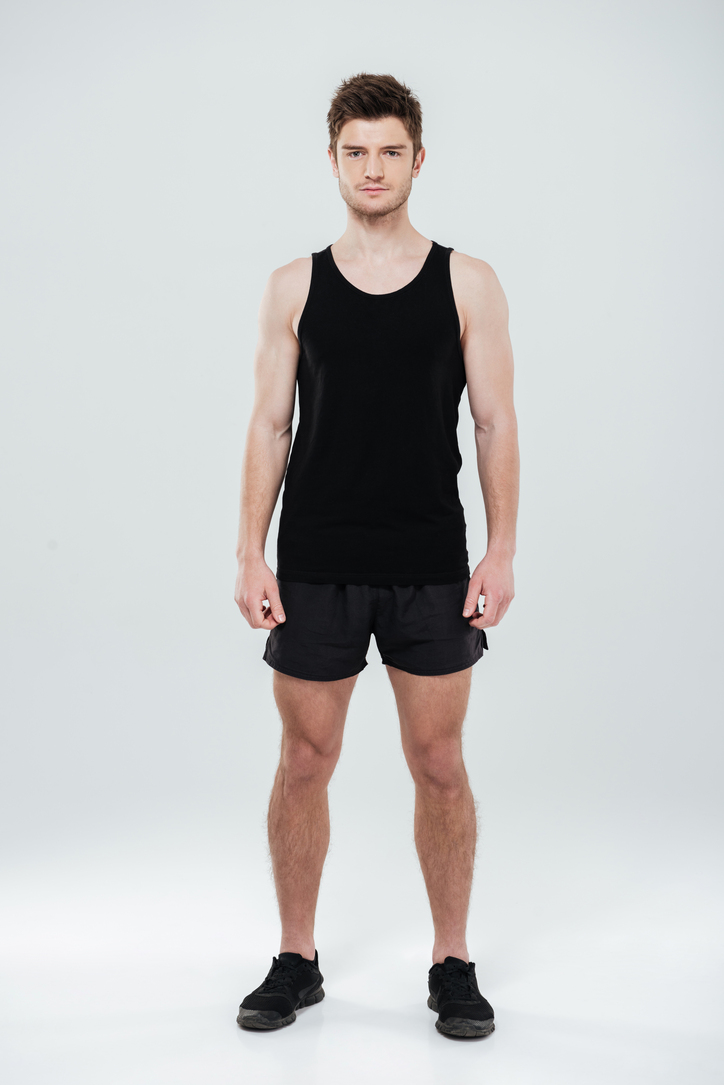
Bigger biceps and triceps with sleeve fabric re-rendered to fit.
GeneratedWhat the AI does for arms
- Adds bicep peak, tricep horseshoe, and forearm thickness in proportion to your frame.
- Three styles: lean athletic, gym-strong, or full bodybuilder volume.
- Works in t-shirts and tanks - sleeves stretch realistically over the new shape.
- Pairs with shoulder and chest for a complete upper-body upgrade.
Three intensity presets
-
Fit
Lean, defined arms - the natural-athlete look.
-
Muscular
Visible bicep peak, clear tricep horseshoe, and full forearm.
-
Bodybuilder
Pumped, heavily-vascular arms with stage-ready separation.
Photo tips for arms
- Arms slightly away from the body so the AI can see the silhouette.
- A relaxed pose reads more naturally than a hard flex.
- Tank tops and short sleeves show the most arm change.
- Avoid heavy backlight on the arms - it eats edges and definition.
Common questions about arms edits
Can I add veins to my arms?
The Bodybuilder intensity adds vascularity (visible veins) on the biceps and forearms. Fit and Muscular keep a smoother look.
Will the t-shirt sleeves stretch?
Yes - the AI re-renders the sleeve to wrap around the new arm thickness so the photo stays consistent.
Does it work with arms crossed?
Crossed-arm photos are harder for the AI to read. Use a photo with arms visible at your sides for the cleanest result.
Keep exploring
-
Shoulders
Round, capped delts with front, side, and rear-head separation.
Read → -
Chest
Build muscular pecs, a defined upper-chest line, and a fuller lower edge.
Read → -
Back
Wide V-taper, defined lats, and a thick, separated mid-back.
Read → -
Abs
Add a realistic six-pack, eight-pack, or lean athletic mid-section to any photo.
Read → -
Gym beginners
New to the gym? Muscle Editor mocks up what your body could look like in 6, 12, or 24 months. Use it to set the goal, fuel the motivation, and stay consistent.
Read → -
Best Poses for Arm Photos - Without Looking Like You're Trying
How to photograph your arms so they look their best - including which angles to avoid and how to handle sleeve tension.
Read →
Ready to add arms to your photo?
Free to start. Three intensity presets. Photo-realistic AI render in seconds.